
A travel digital detox rarely fails because of Wi-Fi. It fails because nobody has agreed how contact will work. If family, office and hotel cannot distinguish urgent from ordinary, every vibration matters. A workable plan settles three questions before departure: who may break through, when messages are checked, and how the journey operates if the phone stays closed.
Three rules before departure
- One emergency gatekeeper
- They filter genuine exceptions and know the hotel, itinerary and alternative contact
- One check-in window
- Messages are reviewed at a fixed time, not on every impulse
- One analogue plan B
- Addresses, tickets, numbers and critical access still work without the device
This is the practical companion. Travellers still choosing between a strict retreat, a hosted programme and a gentler escape should begin with Luxury digital detox: four retreat models.

Choose a rule that survives real life
“I will be offline for a week” sounds clear but is usually incomplete. Is the camera allowed Does the boarding pass exist only on the phone Does childcare need a number Is one business approval unavoidable Exceptions that have not been defined reopen the device repeatedly.
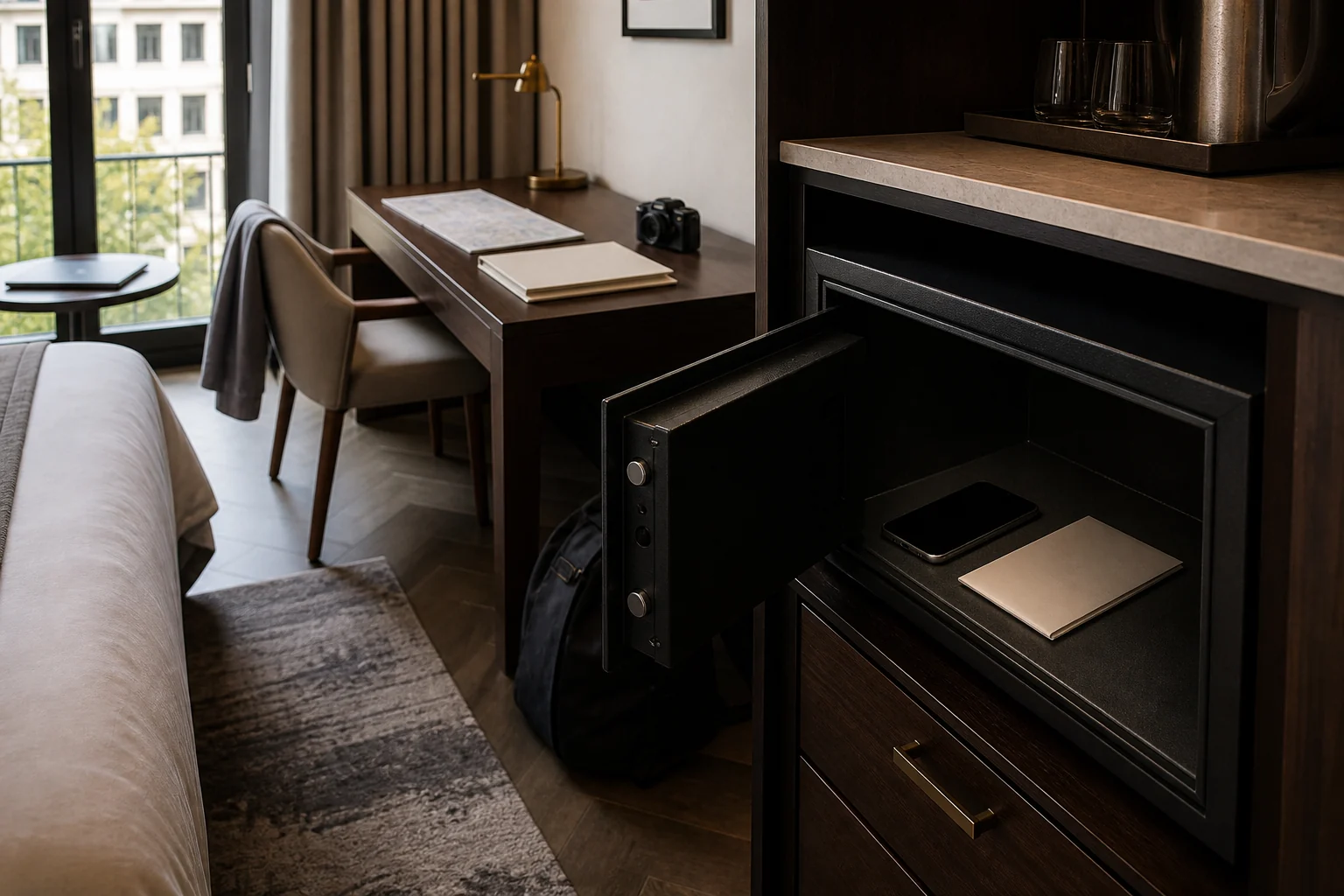
A useful rule is observable: the phone remains in the safe from 18:00 until noon; one trusted person may call; messages are read from 12:15 to 12:35; news and social media remain closed. It is less theatrical than a ban, and far more robust.
| Model | Device access | Particularly suitable | Main risk |
|---|---|---|---|
| Fully offline | Device sealed or held by the retreat | Short stay without operational duties | Unprepared documents or emergencies |
| One daily window | 15–30 minutes at a fixed time | Families, executives and longer stays | The window expands |
| Calls only | Selected contacts; apps silenced | Carers or parents who must remain reachable | Too many people are permitted |
| Offline zones | Room, meals, spa and activities stay device-free | Touring itinerary or first attempt | No defined storage between zones |
Forty-eight hours before: separate work, family and emergency route
An out-of-office message gives a deputy, return date and route for genuine urgency. It reveals neither the private hotel nor the daily offline schedule. The team receives a simple decision matrix: what the deputy may decide, what can wait, and which rare event justifies emergency contact.
Family and friends receive the same rule. One person gathers information instead of five people messaging directly. Where children, older relatives or ongoing care are involved, the route is tested with the responsible people. An emergency protocol stored only on a switched-off phone is not a protocol.

Level one is the trusted person at home, who decides what can wait. Level two is the hotel: central number, guest name, dates and a confirmed method for delivering a message. Level three is local and consular information for an event affecting the destination as a whole.
The Swiss FDFA Travel Admin service provides travel advice, checklists and a way to record destinations, companions, an emergency address and copies of important documents. Registration replaces neither insurance nor local authorities. It creates an additional information route if the security situation changes or a crisis occurs.
Hotel Wi-Fi, public networks and deliberate use
Where and how connectivity works is what matters. Is Wi-Fi in the room, the lobby or across the property Does a captive portal require daily login Are restaurants, spa, room service or transfers controlled exclusively by app or QR code Is there an in-room telephone, wake-up call and printed schedule
Choose a discreet place for the daily check-in. Opening email in bed before breakfast destroys the strongest offline period of the day. A library or business lounge is better: enter, complete the task, leave.
Switzerland’s National Cyber Security Centre advises using only recognised and trusted networks, confirming the official network name when uncertain and disabling automatic connections to open Wi-Fi. Browser and app security warnings should not be dismissed. A VPN only helps when its provider is trustworthy too.
A digital detox reduces exposure but is not a security strategy. Update the operating system and essential apps before travelling, enable a device lock and location function, and create a backup. Complete critical payments or account changes beforehand on a familiar connection where possible.
Focus mode, offline maps and duplicate documents
When selected people must remain able to call, a properly configured focus mode may be more useful than switching off completely. Apple, for example, allows chosen people and apps, groups and repeated calls within a short interval. Android wording and options vary by device, so the rule needs to be tested before departure.
Permit only the gatekeeper, hotel or transfer contact and necessary care. A general “Favourites” list is often too broad. Previews, badges and unnecessary time-sensitive exceptions stay off. The phone still remains out of sight; silencing alone does not interrupt the habit.
Download offline maps – and understand their limits
Google Maps and Apple Maps allow selected areas to be downloaded. This helps with transfers, walking and poor data service. Google notes that real-time traffic is unavailable offline. Apple states that offline maps exist only in selected areas and features vary by country and region.
An offline map does not replace directions to a remote lodge entrance or jetty. Print the hotel address, coordinates, driver name and meeting point too. Open and test the downloaded area at home, not for the first time after landing.
Passport, insurance, visas, tickets and transfer confirmation should exist in a protected digital location and a minimal paper set. Copies do not travel loose in one bag, and access codes are never stored with all identity details. The gatekeeper receives only what might genuinely be needed.
Anyone using two-factor authentication should test account recovery without mobile service. Some providers issue one-time backup codes; Google states that each may be used once and must be stored securely. They do not belong in an unprotected screenshot or beside username and password.

A good offline day is a system
Structure makes the decision. The device stays in the safe until after breakfast and movement. Morning includes one concrete analogue activity: swimming, a guided walk, reading or a treatment. The brief message window follows lunch; the phone is then put away again.
A second activity in late afternoon occupies hands and attention. Evening remains free from messages and photo editing. A printed plan for tomorrow prevents “just checking the calendar” from becoming a return to every app.
Check-in window and deputy need an order
Check calls from the gatekeeper and operational travel changes first. Family comes next, genuinely necessary business decisions last. News, social media, newsletters and group chats remain closed. A timer ends the window.
Replies should not bring the next check forward. “I will see this tomorrow at 12:15” is clearer than “contact me if it is urgent.” The gatekeeper already has the call route for genuine urgency.
Anyone retaining every approval remains on duty despite silenced notifications. Before travel, delegate value thresholds, decision rights and escalation cases. Pause or redirect calendar meetings, automated reports and chat mentions.
If work is unavoidable, one prepared 30-minute session is more honest than permanent partial availability. It does not happen in bed, beside the pool or over a meal. Once completed, device and documents close; the rest of the journey remains private.
Photography and a family rule without the online pull
The camera can be used without immediately editing or sharing. Mobile data and notifications remain off; after the photograph, the device returns to bag or safe. A small separate camera can strengthen the boundary if the traveller is happy to carry it.
E-readers, watches and tablets are screens too. Decide before travelling whether they belong in the personal rule. A novel on an e-reader differs from a work inbox on the same device; a clean home screen and removed apps reduce temptation.

Families need a shared rule, not punishment
Parents cannot credibly forbid children’s screens while photographing or working continuously. Agree shared offline periods, one charging place outside bedrooms and defined exceptions for travel, music or reading. Long transfers may have different rules from meals and resort days.
Teenagers should help design the plan. They may need a brief time to contact friends. One limited window creates less conflict than a moral ban no one else observes.
An urgent message or unplanned transfer does not make the journey a failure. Close the device again afterwards. If the check-in expands daily, the task is too large, the deputy unclear or the permitted apps wrong – it is not a character flaw.
Change the operation: fewer approved contacts, a shorter timer, storage at reception or another decision-maker at home. Digital detox is a designed boundary, not an examination.
Plan the return before departure
On check-out day, enable travel information only. Work follows arrival and sleep; social media comes last. One scheduled hour to review is better than notifications in the airport transfer. The deputy provides a short summary instead of forwarding every message.
One rule moves into ordinary life: device-free meals, no phone in the bedroom or a daily focus block. The detox then becomes more than a pleasant exception; it leaves a boundary that can survive at home.
The Deluxetargets view
For most travellers, we recommend one daily check-in, one emergency gatekeeper and device-free mornings and evenings rather than radical disappearance. Full separation is best reserved for short, carefully prepared retreats without operational responsibility.
With the hotel, we verify connectivity, app dependence, room telephone and message procedure. With the guest, we check documents, delegation and routine. When every necessary function has an analogue or tightly bounded digital solution, offline time becomes calm – without creating false security.